
Download LoMag Barcode Scanner to Excel – barcode scanner, Excel, inventory management, QR code, data collection, logistics, warehouse, free software, Android app
Overview
LoMag Barcode Scanner to Excel is a free Android application designed to streamline data collection through barcode and QR code scanning. Its primary purpose is to allow users to scan barcodes and instantly save the collected data into Microsoft Excel-compatible files. This functionality makes it particularly useful for professionals involved in inventory management, logistics operations, and warehouse tracking.
The app supports a wide range of barcode formats, including QR codes, enabling broad compatibility with various labeling systems used across industries. By converting scanned data into structured Excel files, the app bridges the gap between physical product tagging and digital recordkeeping. The software is ideal for both small-scale personal use and professional workflows where accurate, real-time data capture is essential.
It enables users to maintain digital records without relying on proprietary software or complex setups. The developer, Longint, has positioned this tool as a lightweight, accessible solution for teams or individuals managing inventory manually or semi-digitally. While no additional details about the developer’s background were provided, the app’s focus on simplicity and direct output suggests a targeted approach to solving common data entry challenges in field operations.
Key Features & Capabilities
- Barcode and QR Code Scanning – The app supports scanning of standard barcode formats and QR codes, allowing users to capture product identifiers, serial numbers, or tracking codes quickly and accurately.
- Excel File Export – Scanned data is saved directly in Microsoft Excel-compatible file formats, ensuring compatibility with widely used spreadsheet tools for further analysis or reporting.
- Unlimited Data Collection – As a free application, it imposes no limits on the number of scans or the volume of data stored, making it suitable for large-scale inventory tasks.
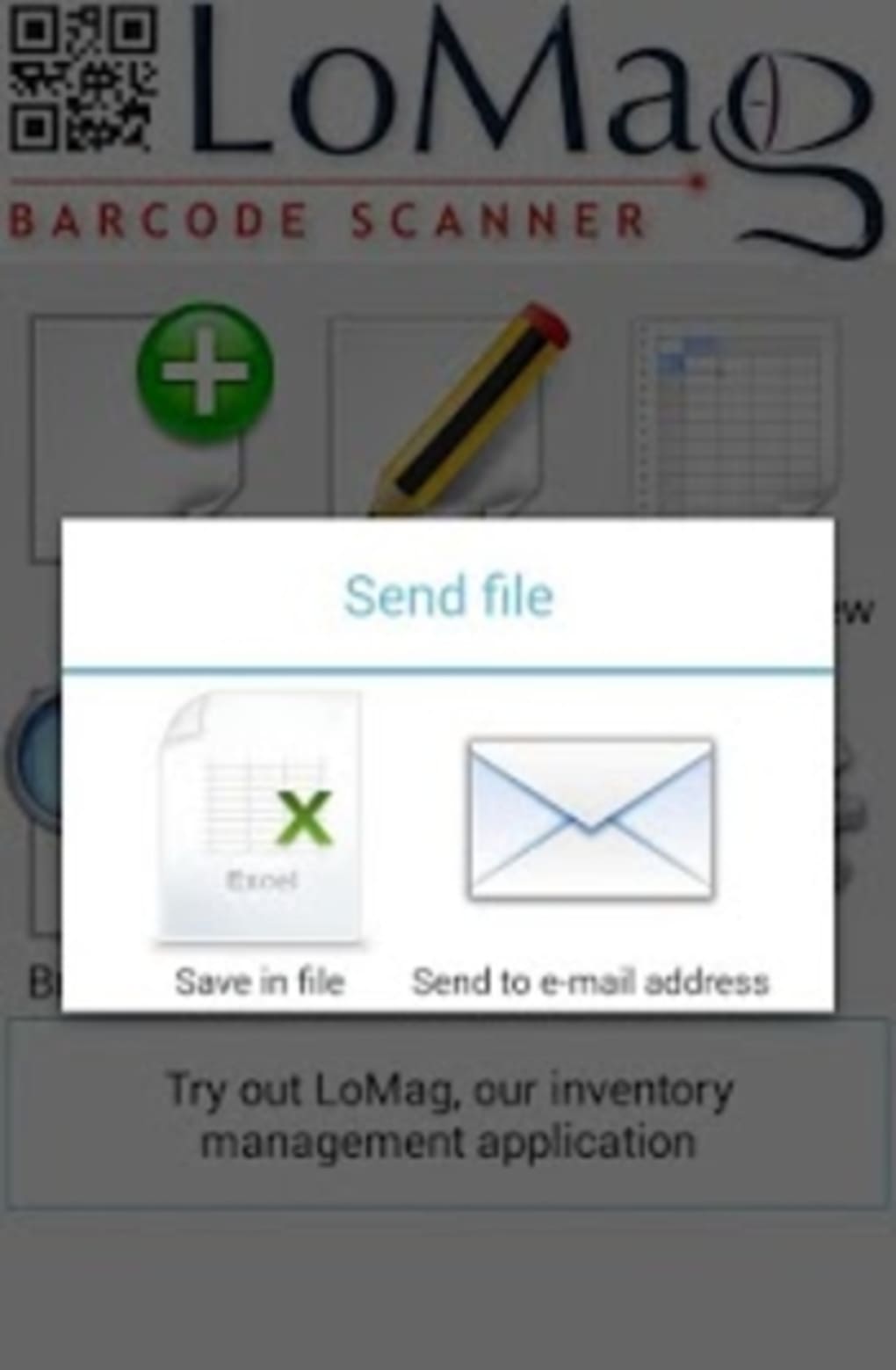
- Multiple Export Options – Users can save scanned data to an SD card or send it via email, providing flexibility in data transfer and backup.
- Continuous Scanning Mode – The app allows users to scan multiple items in sequence without restarting the process, improving efficiency during bulk data entry.
- Integration with LoMag Inventory Management – The output files are fully compatible with LoMag Inventory Management, enabling seamless data transfer between systems.
These capabilities make the app particularly effective in real-world scenarios such as warehouse stock audits, retail product tracking, or logistics documentation. For example, a warehouse worker can scan dozens of items during a shift and export the full list to Excel for reconciliation with digital inventory records. Similarly, a small business owner managing a product catalog can use the app to digitize physical labels and generate structured spreadsheets for sales or procurement planning.
User Interface, Workflow & Performance
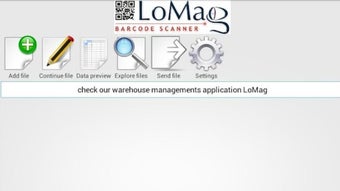
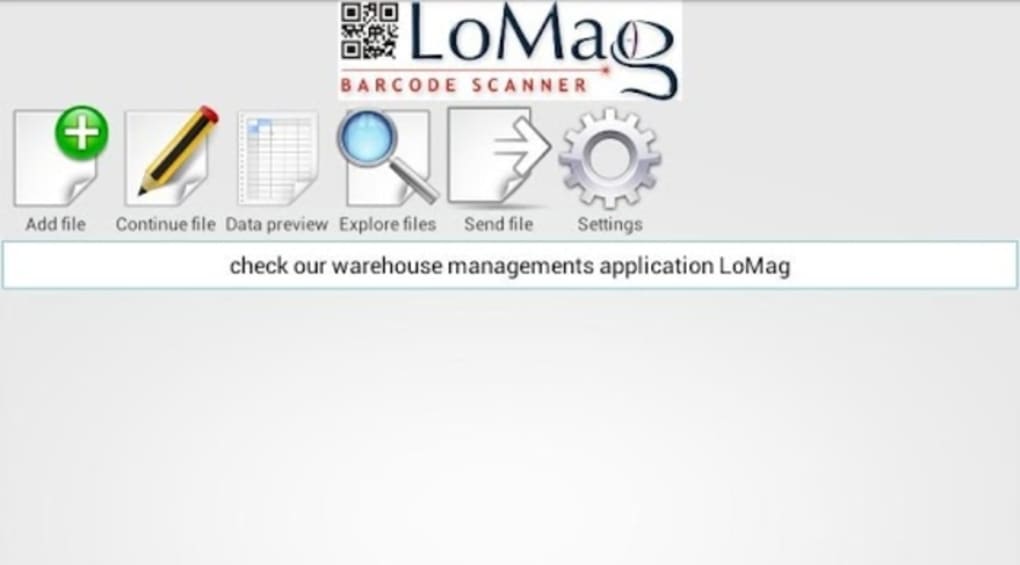
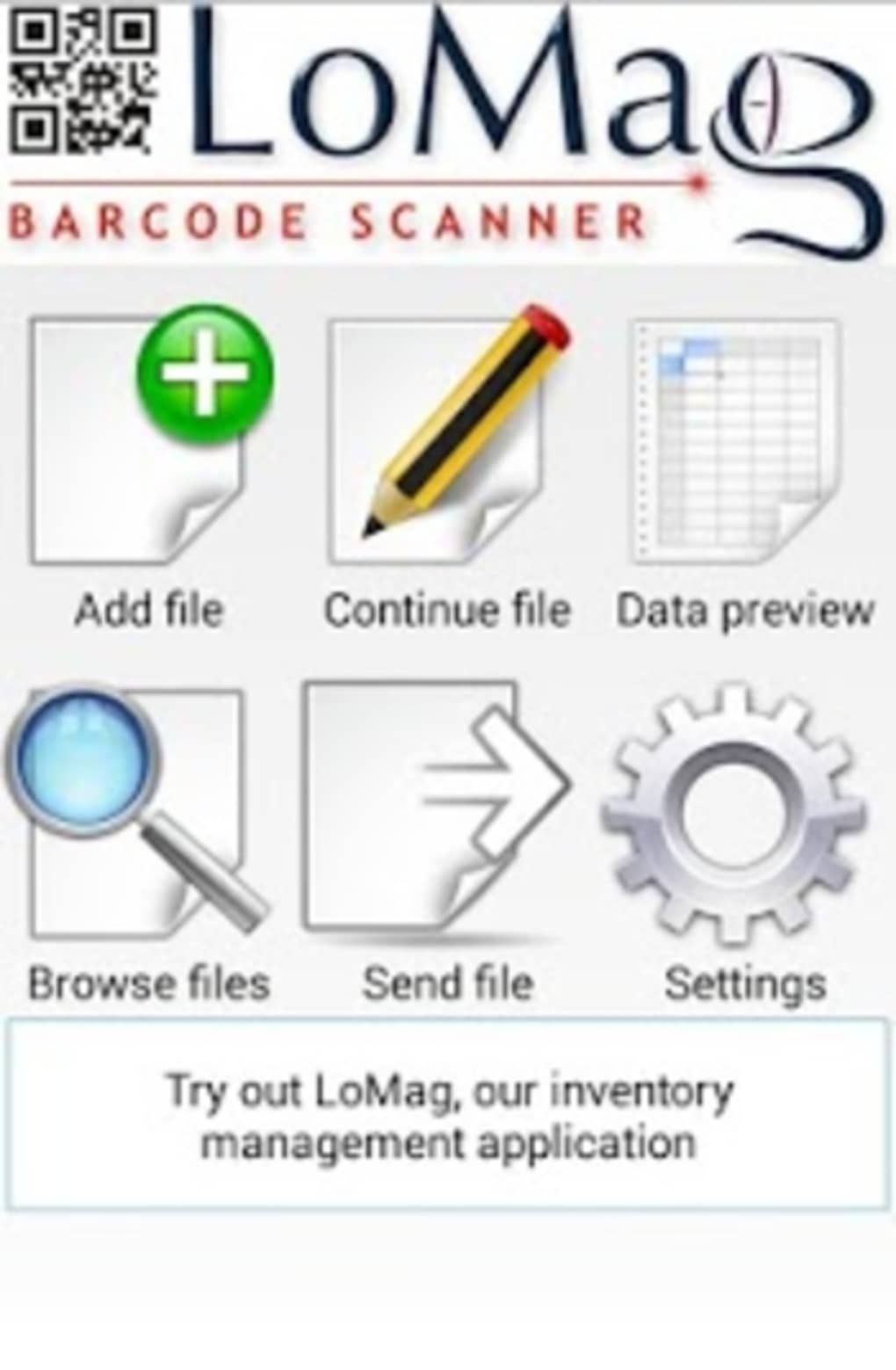
The user interface of LoMag Barcode Scanner to Excel appears to be designed with functionality and ease of use in mind. The main screen likely centers around a live camera feed with a scanning overlay, allowing users to position barcodes within the frame for accurate detection. Navigation between scanning, exporting, and settings is expected to be straightforward, minimizing the learning curve for new users.
The workflow follows a logical sequence: launch the app, aim the camera at a barcode, capture the data, and then choose an export method. This streamlined process supports rapid data entry in fast-paced environments such as warehouses or delivery hubs. While exact performance metrics were not specified, the app’s lightweight size of 12.5 MB suggests efficient resource usage.
The developer did not provide additional system requirements, so performance may vary depending on the device’s camera quality and processing power. However, general software behavior patterns indicate stable operation during typical scanning tasks. The app likely maintains low CPU and RAM usage during active scanning, ensuring responsiveness and minimal battery drain.
Stability during extended use has not been confirmed, but the absence of reported issues suggests reliable performance under normal conditions.
Compatibility & System Requirements
LoMag Barcode Scanner to Excel is designed exclusively for Android devices. The app is compatible with the Android operating system and was released in version 1.0.0 on July 15, 2024. It has a file size of 12.5 MB, which indicates a compact installation footprint suitable for devices with limited storage.
The developer did not specify exact system requirements, including minimum Android version or hardware specifications such as RAM or processor type. Compatibility information is limited to the OS platform. Users are advised to ensure their device supports camera access and has sufficient storage space for saving exported Excel files.
The app’s reliance on the device’s camera and file system means that functionality may be affected by permissions settings or outdated OS versions. While the app is free to download and use, users should verify that their device meets basic Android standards for running camera-based applications.
Pros and Cons
Pros
- Free to use with no restrictions on scans or data volume
- Direct export to Excel-compatible files for easy data management
- Supports QR codes and standard barcode formats
- Multiple export options: SD card and email
- Designed for continuous scanning without interruption
- Lightweight at only 12.5 MB
- Compatible with LoMag Inventory Management software
Cons
- Only available for Android devices
- Exact system requirements not publicly listed
- No information on cloud sync or backup features
- Limited to file-based data transfer (no direct integration with cloud services)
- No indication of real-time collaboration or multi-user support
FAQ Section
Is LoMag Barcode Scanner to Excel available for iOS?
The app is currently only available for Android devices. No iOS version has been announced.
Is the app safe to download and use?
As a free application from Longint, the app is designed to function as a data collection tool. It requires camera and storage permissions, which are standard for barcode scanning apps. Users should download from official sources to ensure security.
Can I update the app after installation?
Yes, updates are available through the Google Play Store or official distribution channels. The latest version is 1.0.0, released on July 15, 2024.
What type of license does the app use?
LoMag Barcode Scanner to Excel is distributed as free software with no licensing fees or restrictions on usage.
Can I use the app offline?
Yes, the app does not require an internet connection to scan barcodes or save data locally to the device or SD card. All functionality operates offline.
Final Thoughts + CTA
LoMag Barcode Scanner to Excel delivers a focused, no-frills solution for professionals and individuals needing to collect and organize barcode data efficiently. Its ability to scan barcodes and QR codes, then export the results directly into Excel-compatible files, makes it a valuable tool in inventory management, logistics, and warehouse operations. The absence of usage limits and the support for continuous scanning enhance its practicality for high-volume tasks.
While the app is limited to Android and lacks advanced features like cloud integration or real-time collaboration, its simplicity and reliability stand out. For users seeking a secure, lightweight, and free tool to digitize physical data, this app offers a compelling option. It is especially well-suited for teams already using LoMag Inventory Management.
Download LoMag Barcode Scanner to Excel now and streamline your data collection process with confidence.





.png)

